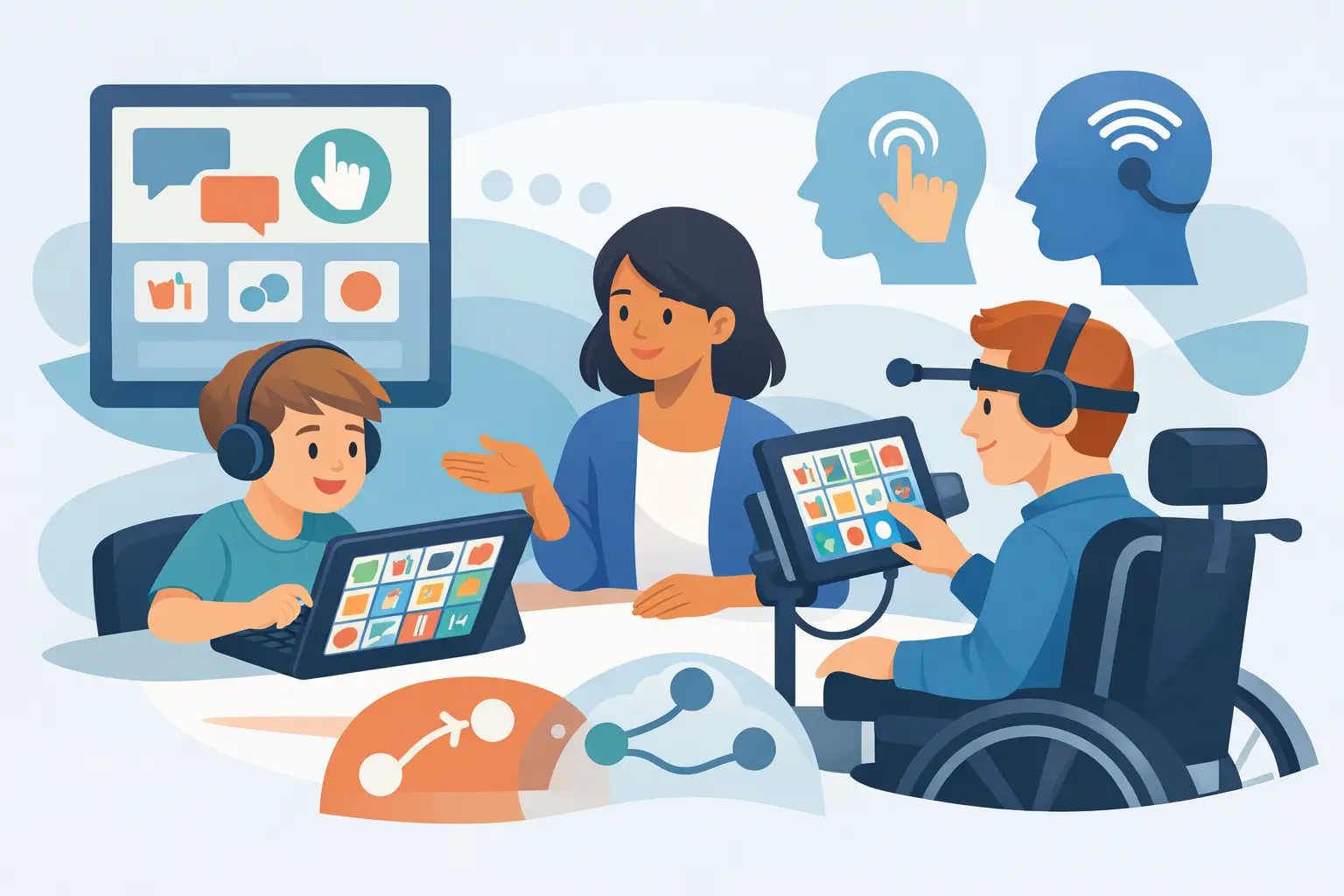
A child may know exactly what they want to say and still need a different way to reach the words. That is where AAC access methods matter. The communication system itself may be thoughtfully designed, but it only becomes useful when a child can select messages comfortably, reliably, and often enough to make communication part of everyday life.
For parents, choosing an access method can feel technical or intimidating. It does not need to be. The best starting point is not a device feature or a diagnosis. It is observing how your child already moves, looks, reaches, listens, and shows interest. A good access method builds on those strengths and can change as your child grows.
What are AAC access methods?
AAC access methods are the ways a person chooses letters, symbols, words, or phrases on a communication board or speech-generating device. Some children touch a symbol directly with a finger. Others use their eyes, a switch, a keyguard, or support from a communication partner.
There is no single "best" method for autism, cerebral palsy, apraxia, Down syndrome, or any other communication difference. The right option depends on a child’s movement, vision, hearing, attention, sensory preferences, fatigue, and communication goals. It also depends on where they communicate. A method that works well at a quiet therapy table may need adjustment for a busy classroom, car ride, or family dinner.
The goal is not to find the most advanced option. The goal is to reduce effort so your child can communicate what matters: a request, a protest, a comment, a joke, a feeling, or a new idea.
Direct touch: the most familiar starting point
Direct touch means a child selects a symbol or button by touching it with a finger, hand, stylus, or another body part. For many children, it is the easiest place to begin because the connection is immediate: touch a word, hear the word.
Direct touch can work beautifully for children with enough motor control to reach and isolate targets. But success is not simply about whether a child can tap a screen once. Consider accuracy over time. Can they select the intended button when the page has more vocabulary? Can they do it when excited, tired, or sitting in a different position?
Button size and spacing make a real difference. Larger symbols may support early learning or less precise movement, while a larger vocabulary can require smaller targets. This is a trade-off, not a failure. A child should not have to choose between being understood now and having access to meaningful language later. Starting with a manageable layout, then expanding thoughtfully, usually creates more confidence than making a page too crowded too quickly.
A keyguard, which is a fitted cover with openings over each button, can also help some children avoid accidental touches. For others, it may feel restrictive or slow them down. Trial and observation are more useful than assumptions.
When eye gaze may be a better path
Eye-gaze access allows a child to select symbols by looking at them. A camera tracks where their eyes rest, and a selection is made after a brief pause, often called dwell time. This method can be life-changing for children who understand language and want to communicate but have limited reliable hand movement.
Eye gaze takes careful positioning. The device needs to be at the right height and distance, and the child needs supportive seating that helps them maintain a comfortable head position. Lighting, glasses, fatigue, and the speed of the dwell setting can all affect performance.
It can also take practice. Looking at a symbol is natural, but holding a gaze long enough to make a selection may initially feel unfamiliar. Start with highly motivating words and short opportunities. If a child looks away often, that may mean they are tired, distracted, or need a setting adjusted. It does not mean they are not capable of using AAC.
For families, eye gaze can require more equipment and coaching than direct touch. Yet when it is the right fit, it can give a child independent access to language that would otherwise be out of reach.
Switch scanning for controlled selections
Switch access can be a strong option for children who can make one consistent movement, even if they cannot accurately touch a screen. A switch might be activated by pressing with a hand, moving a head, tapping a foot, or using another reliable movement. The AAC system highlights choices in a pattern, and the child activates the switch when the desired item is highlighted.
Scanning is slower than direct touch, which is its main trade-off. A child may need to wait for the system to move through rows, groups, or individual symbols. That means the layout and scan settings should be chosen carefully. Faster is not always better. If the system moves too quickly, communication becomes frustrating. If it moves too slowly, the child may lose interest.
Switch access is often most successful when adults protect the child’s turn. Give enough time, avoid finishing sentences for them, and treat every selection as meaningful. With consistent modelling and practice, scanning can support far more than basic choices.
Partner-assisted access still counts as communication
Some children need another person to present choices, point to symbols, or interpret a clear signal such as a look, vocalization, body movement, or yes/no response. This is called partner-assisted access. It may be a temporary support, a long-term approach, or one part of a child’s communication toolkit.
For example, a parent might hold up two symbols and ask, “Do you want bubbles or music?” A child may look toward one option, smile, or use a familiar signal. A teacher may point through choices while a student signals yes when the right one is reached.
Partner-assisted access requires consistency. Communication partners need to know what signals mean, how long to wait, and how to confirm a choice without pressure. It is particularly helpful to document these strategies across home and school, so the child does not have to relearn the process with every adult.
How to choose among AAC access methods
A meaningful trial looks beyond whether a child can technically activate a button. Watch for comfort, accuracy, endurance, and enjoyment. The following questions can guide parents, therapists, and school teams:
- Does your child make selections intentionally and consistently?
- Can they use the method without becoming physically tired or distressed?
- Does the setup work in their usual seating and daily environments?
- Can they access enough vocabulary to say more than “more” and “all done”?
- Does the method allow communication partners to respond without guessing?
Try the method during real routines, not only structured practice. Use it at snack time, during play, while reading, and when something unexpected happens. Those are the moments when communication has a clear purpose.
It also helps to separate access from language learning. A child may need time to learn where words are located, understand symbols, or see adults model AAC. If they miss a target or do not use a new word immediately, do not assume the access method is wrong. Look for patterns over days and weeks.
Set up the environment for success
Even a well-matched method can break down when the environment creates extra barriers. Stable seating, good device positioning, and regular charging are practical foundations. For direct touch, make sure the screen is within easy reach without forcing the child to stretch or twist. For eye gaze, check alignment each time the child changes position. For switch users, secure the switch so it stays where the child can activate it reliably.
Adults also need a shared plan. If one caregiver offers a communication board only for requests while another models comments, questions, and feelings, the child receives mixed opportunities. Modelling language on AAC is one of the most helpful habits any adult can build. Point to words as you speak, without demanding that the child copy you.
A connected platform such as VoiceBloom can make this easier by helping families, therapists, and educators see what vocabulary is being used, where support is needed, and how communication is growing across settings. Data should support better decisions, not turn communication into a test.
Expect change, not a final answer
A child’s access needs may change with growth, therapy, health, confidence, and experience. A toddler who begins with large direct-touch buttons may later manage a denser page. A child whose movement varies from day to day may benefit from more than one access option. Someone who uses direct touch at home might need partner support in a crowded classroom or during periods of fatigue.
Review the fit regularly, especially when communication seems harder than it used to be. Look for increased accidental hits, reduced use, frustration, changes in posture, or a child relying heavily on adults to guess. These are useful signals to adjust the setup, not reasons to take AAC away.
Your child does not need to prove they are “ready” for communication. Start with the access they can use now, offer meaningful words, and keep listening closely. Every reliable way to say “I have something to tell you” is a step toward a fuller voice.