Try the VoiceBloom AAC app right here
This is the real app. Tap symbols to build a sentence, then hit “Speak it” to hear it read aloud. Switch tabs to explore all five features.
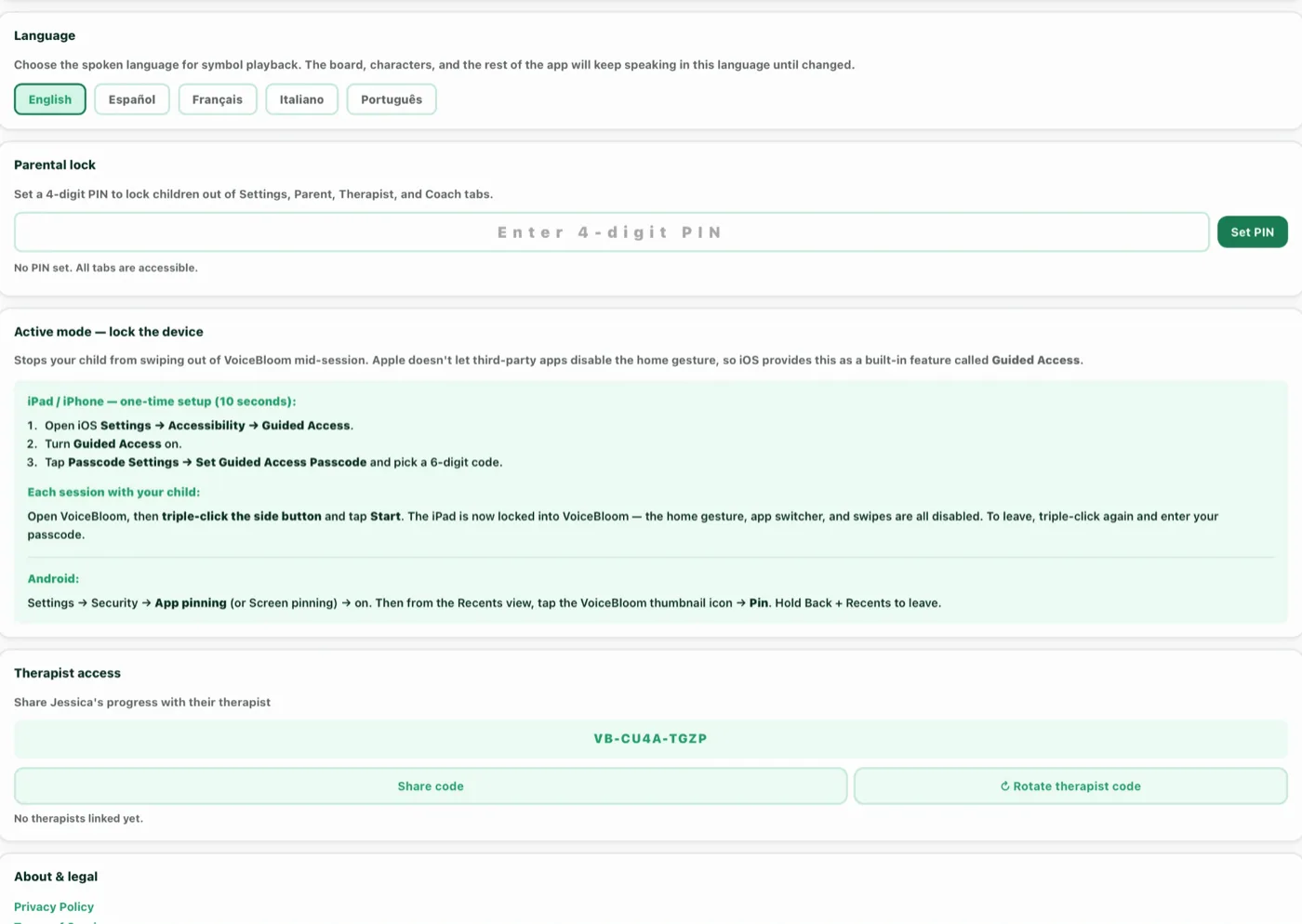
Exploring head tracking or eye gaze? VoiceBloom’s Access mode makes tiles larger and highlights the pointer target for compatible head-tracking, eye-gaze, and switch setups. Configure your device’s accessibility input or hardware first, then enable Access mode in the app’s Settings. See setup requirements.
30-day free trial. No credit card required. Works on iPhone, iPad, Android, and any browser.
A communication board that grows with your child
VoiceBloom ships with hundreds of symbols from our exclusive illustration library (custom-designed icons you won't find anywhere else) covering every category a child could need: feelings, food, family, actions, places, animals, school, sports, body, time, and more. The mobile app on iPhone, iPad, and Android renders the full board with personalisation per child.
Every child is different. That's why VoiceBloom lets parents and therapists build a fully custom symbol board alongside the standard library. If your child loves a specific food, place, person, or activity that isn't in the default set, you can add it yourself in seconds. Upload any photo from your camera roll, give it a heading, and it appears on the board immediately. A picture of your family dog with the label "Buddy". A photo of their favourite pasta dish labelled "pasta". A picture of their classroom labelled with the teacher's name. Real, familiar images from your child's actual life (not generic clipart) can help accelerate symbol recognition and build communication confidence.
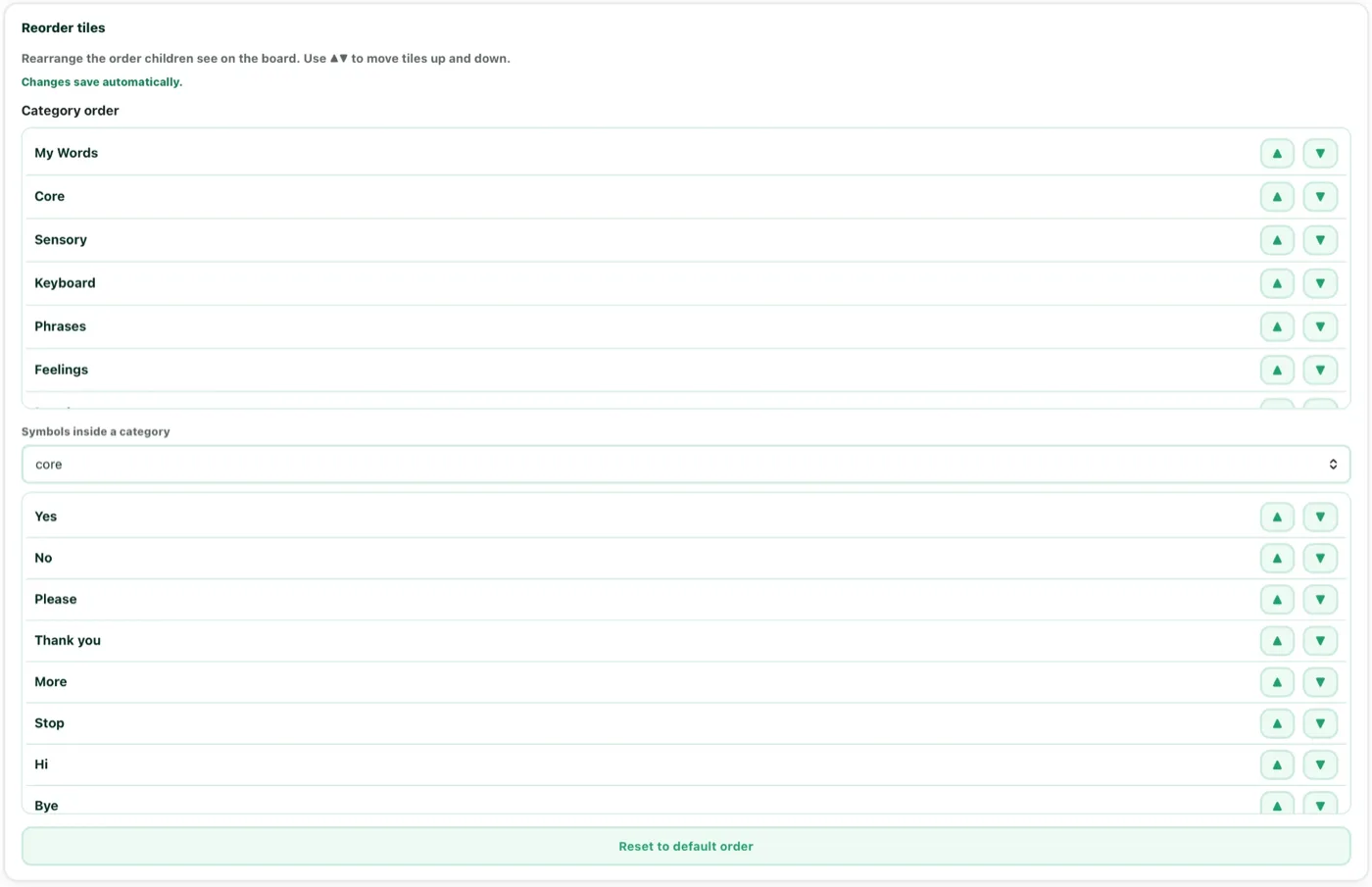
VoiceBloom also turns everyday use into insight. It tracks which symbols your child uses most, what time of day they communicate most actively, and which combinations they are starting to build. That becomes a plain-language progress report every Monday and guides the built-in coach on what to work on next. And the board stays yours to shape: add custom symbols and arrange the tiles so your child's most-used words are front and centre.
For therapists and organizations, the board can be configured differently for each child and each session type. A morning routine board, a mealtime board, a classroom board, all accessible with one tap. Every configuration is saved and synced across all devices instantly.


On iOS, Android, and the web.
VoiceBloom is live on the App Store and Google Play, and runs in any browser, including Chromebooks.
