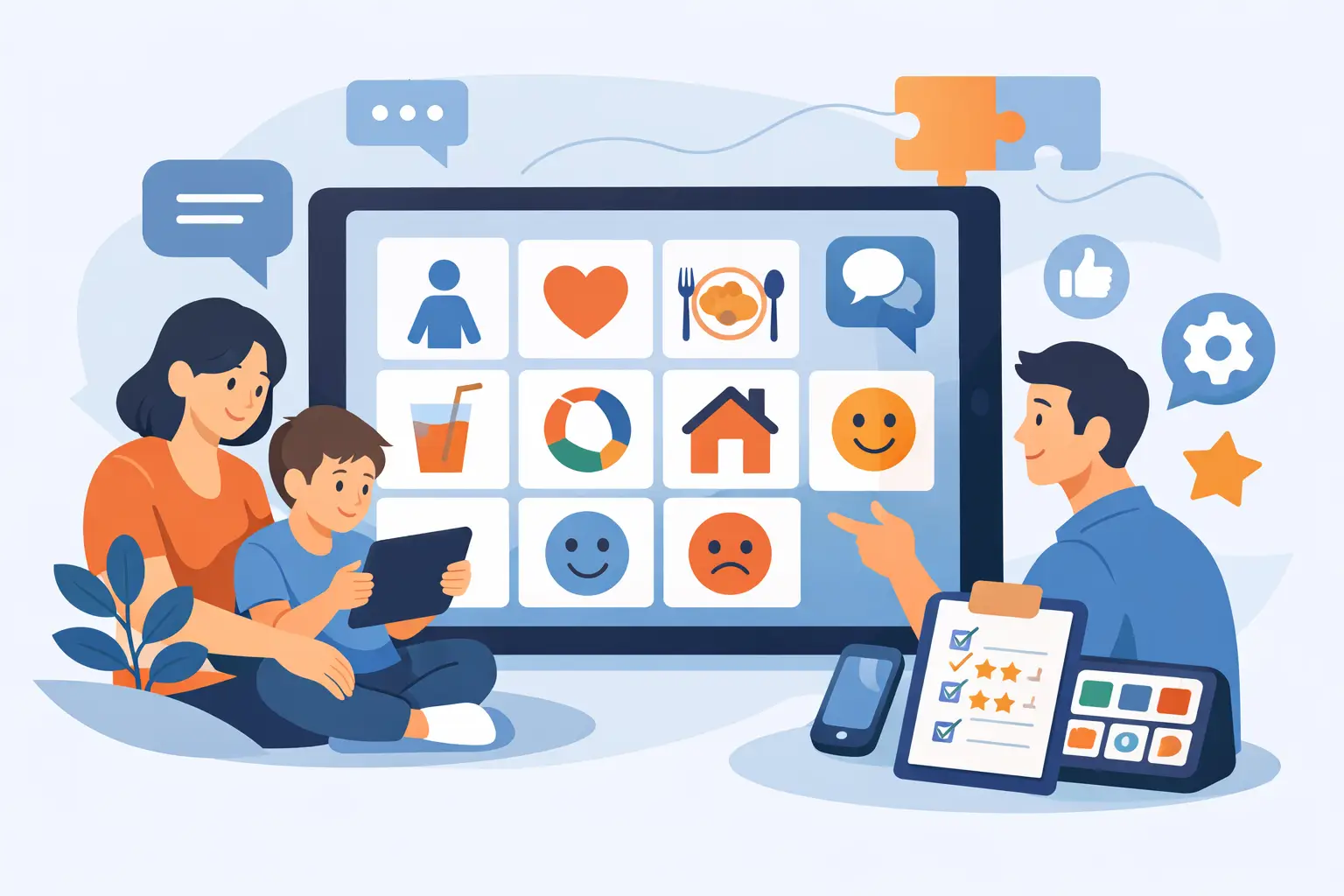
A child reaches for a snack, wants to leave a noisy room, or has something funny to share - and the moment passes because the right words are not available. That is the real standard behind any AAC app review for autism. Not how polished the screen looks, but whether the tool helps a child communicate what matters, when it matters, with the people who are there.
For parents, choosing an AAC app can feel high-stakes. There are many options, strong opinions, and often a long wait before a clinician can help with setup. The right choice is not necessarily the app with the most vocabulary or the most advanced settings. It is the one your child can begin using consistently, that adults can support confidently, and that can grow alongside their communication.
What a Helpful AAC App Review for Autism Should Examine
AAC is not just a collection of buttons that speak. It is a communication system. A strong app needs to support a child’s ability to request, protest, comment, ask questions, connect with others, and share their own ideas. If an app is only used to ask for preferred items, it may still be a useful starting point, but it should not become the ceiling on a child’s voice.
When reviewing an app, begin with the child’s everyday life. Consider where communication breaks down most often: at breakfast, during transitions, at school, on the playground, or when emotions are high. Then look for an app that makes those moments easier rather than adding another complicated task for the child or caregiver.
A good review also looks beyond the first week. Some apps feel simple because they offer a very small set of pictures. Others offer thousands of words but require extensive configuration before anyone can use them. Both approaches have trade-offs. A child needs enough language to communicate meaningful messages now, along with a clear path to add vocabulary and build longer, more independent communication over time.
Start With Access, Not Features
The best AAC system is the one a child can access reliably. For many autistic children, that means clear symbols, predictable placement, and a layout that does not change unexpectedly. For others, it may mean larger buttons, fewer choices per page, or support for motor differences.
Ask whether the app can be adjusted without making the board confusing. Can you change the grid size? Add familiar people, foods, places, and activities? Use real photos when symbols are not meaningful yet? Can the child keep core words, such as “more,” “go,” “help,” “stop,” “want,” and “not,” in consistent places while new words are added around them?
Consistency matters because communication should not depend on a child remembering where an adult moved a button yesterday. At the same time, there is no single ideal layout for every child. A minimally verbal child who is just learning that symbols carry meaning may need a different starting point than a child who already combines words or navigates categories confidently.
Voice output is also worth considering. The voice should be clear and easy to hear in daily settings. More importantly, it should respond quickly. Delays between a selection and speech can make turn-taking harder and discourage use during fast-moving conversations.
Setup Should Not Delay Communication
Families should not have to wait weeks to begin offering language. An app that lets parents start in minutes can reduce stress and create opportunities for communication right away. That does not mean professional support has no role. Speech-language pathologists bring essential expertise in assessment, language development, motor access, and individualized goals. It means a child should not be left without a communication option while adults wait for the perfect plan.
Look closely at the onboarding process. Does the app give you a usable communication board immediately? Does it explain how to model language without turning parents into therapists? Are suggestions practical enough to use during real routines, such as offering two choices at snack or modelling “go” before opening the door?
Be cautious of systems that place all responsibility on the caregiver to build every folder, choose every symbol, and decide what to teach next without guidance. Customization is valuable, but too much blank-page setup can create paralysis. A well-designed platform provides a strong starting point and makes personalization manageable.
Communication Growth Needs More Than Requests
Many children first use AAC to request favourite foods, toys, or activities. That is a valid and meaningful use of communication. But a child also needs language to say “no,” “all done,” “that’s silly,” “I’m worried,” or “look at this.” They need ways to participate, not only ways to earn access to something.
A practical review should check whether the app supports a balanced vocabulary. Core vocabulary gives children flexible words they can use across settings. Fringe vocabulary adds the people, places, interests, and routines that make communication personal. Both matter.
It is also helpful when the app encourages modelling, sometimes called aided language input. This means adults use the AAC system while they speak, showing the child that the board is a real communication tool rather than a test. A parent might tap “want” and “outside” while saying, “You want outside.” An educator might model “not” and “like” when a student pushes away a worksheet. The goal is exposure and participation, not demanding that the child repeat the message.
AAC does not prevent speech development. For many children, it reduces pressure and gives them a reliable way to communicate while spoken language develops in its own way. Children should never need to prove they are “ready” for AAC. If they have something to say, they are ready for access to language.
Progress Data Should Reduce Guesswork
A child may use an AAC app dozens of times at home and hardly touch it at school, or the opposite may be true. Without a clear view of usage, adults can easily make assumptions. They may think a child is not interested when the board is simply not available during the times they need it most.
Useful data does not reduce a child to numbers. It helps adults notice patterns: which words are being used, which routines invite communication, whether vocabulary is too limited, and where a child needs more modelling or support. The most helpful reports turn activity into practical next steps.
For families, weekly insights can make progress feel more visible. For SLPs and school teams, reliable information can support goal setting, therapy planning, and documentation. In Canadian schools, where educators often need clear evidence for student support plans and IEP-related discussions, this kind of visibility can be especially valuable.
Still, data has limits. A high number of taps does not automatically mean meaningful communication, and a quiet week does not equal failure. Context matters. Illness, holidays, device access, staff changes, sensory overload, and a new routine can all affect use. The data should start a conversation, not become a scorecard.
Collaboration Is a Deciding Factor
AAC works best when the child’s important adults are not working from separate systems. A parent may add a word at home, while a therapist recommends a different layout and school uses another device altogether. The child is then asked to learn several versions of the same language.
Look for a platform that makes collaboration practical. Can a parent share progress with an SLP without manually tracking every interaction? Can educators see relevant information while protecting the child’s privacy? Can professionals suggest changes that caregivers can understand and apply at home?
This is where a connected AAC platform can offer more than a standalone app. VoiceBloom, for example, brings symbol-based communication, parent coaching, progress tracking, weekly reporting, and professional collaboration into one place. The value is not simply having more features. It is helping the adults around a child make informed, consistent choices without guessing.
Questions to Ask Before You Choose
Before committing to any subscription or device setup, spend time with the app in a real routine. Notice whether your child looks at it, reaches for it, avoids it, or needs a different access method. One short trial cannot predict every outcome, but it can reveal whether the experience feels clear and inviting.
Ask yourself whether you can use it when you are tired, in a hurry, or managing siblings. Ask whether another caregiver could pick it up without a long explanation. Ask whether it gives your child a way to say more than “I want.” Finally, ask whether the system will still support them six months from now as their confidence, language, and needs change.
The right AAC app should make communication more available, not more complicated. Begin with a tool your child can access today, model it generously, and let every meaningful message show you what they may be ready to say next.