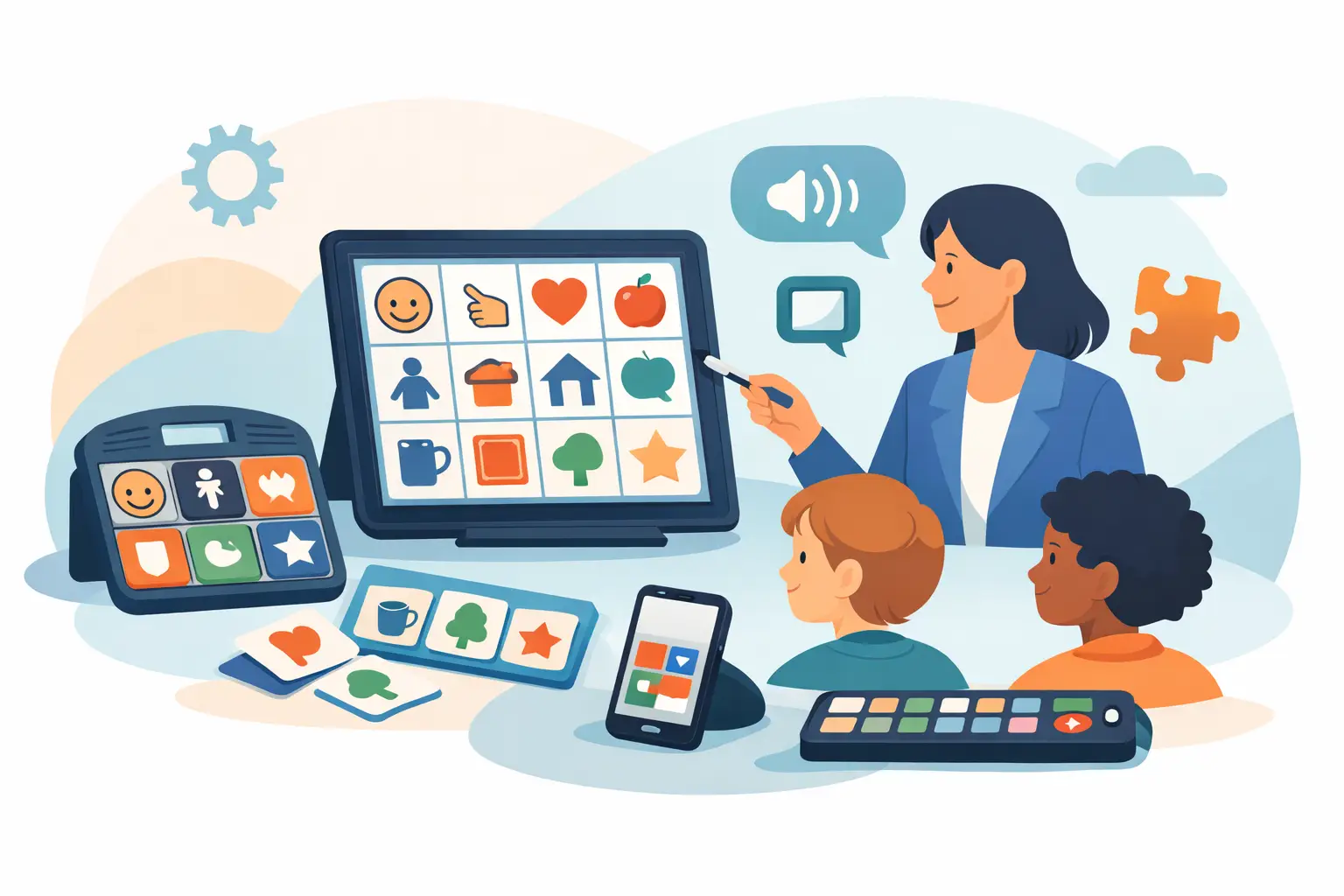
A student’s communication system should not sit untouched in a backpack until speech therapy. The best AAC tools educators use become part of the school day: greeting a classmate, choosing a centre, answering a question, asking for help, sharing an idea, and being heard when something is wrong.
For educators, the goal is not to find the app or board with the most buttons. It is to choose support that gives a student reliable access to communication while making classroom use manageable for the adults around them. That means considering vocabulary, access, training, data, and the connection between school, home, and clinical care.
What makes an AAC tool work at school?
AAC, or augmentative and alternative communication, includes any method that supports or replaces speech. It can be a paper communication board, a book of symbols, a speech-generating device, a tablet-based app, or a combination of these tools.
The right option depends on the student. A child who is beginning to understand symbols may need a simple, consistent visual display and lots of modelling from adults. A student with strong language comprehension may need a more extensive vocabulary system that supports novel sentences. A learner with motor differences may need larger targets, keyguards, switch access, eye gaze, or another access method.
In a classroom, the best tool must also be available when communication happens. If it takes several minutes to find, charge, open, or configure, it is less likely to be used in the moment. Predictable access matters as much as the tool itself.
It supports more than requesting
Many students first learn to use AAC to request a favourite item or activity. Requests are valuable, but communication is much bigger than asking for snacks or toys. Students also need words for refusing, commenting, asking questions, describing feelings, joining social interactions, telling stories, and participating in literacy and learning.
A system built only around requests can unintentionally limit a child’s voice. Look for vocabulary that includes powerful core words such as go, want, more, not, help, like, stop, and different, alongside relevant words for the student’s classroom, interests, culture, and daily routines.
It fits real classroom routines
An AAC system does not have to mirror every worksheet or lesson perfectly. It should, however, make meaningful participation possible. During morning meeting, for example, a student may need words to greet peers, share the weather, identify how they feel, or answer a predictable question. During science, they may need language to predict, compare, observe, and explain.
Educators can prepare for routines without creating a separate board for every activity. Keep the student’s core vocabulary stable, then add a small number of relevant words for a unit, field trip, book, or classroom event. This protects motor learning and reduces the frustration of constantly searching for words that have moved.
Types of AAC tools educators may combine
There is rarely one perfect system for every setting. Strong AAC support often includes a primary communication system plus low-tech backups and visual supports that help the student understand and participate.
Low-tech communication boards and books
Printed boards, flip books, choice boards, and core-word displays are affordable, durable, and ready when technology is not. They are useful on the playground, in the gym, during water activities, on school trips, or when a device battery runs low.
Their trade-off is flexibility. A paper board may not provide spoken output, and it can become difficult to manage when a student needs a large vocabulary. Still, low-tech AAC is not a lesser option. For some learners, it is an effective primary system. For others, it is essential backup access.
Speech-generating AAC apps and dedicated devices
Digital systems can offer a broad vocabulary, speech output, personalized pages, multiple languages, and access options that paper tools cannot provide. They can help a student create new messages instead of selecting from a short list of pre-made choices.
A dedicated device can be especially helpful when a student needs a consistent, protected communication tool that is not confused with a general-purpose tablet. Tablet-based options may be easier to update and can feel familiar to students and families. The right choice depends on funding, durability needs, access requirements, school policies, and whether the device will reliably travel between home and school.
Visual schedules and participation supports
Visual schedules, first-then boards, timers, and classroom choice displays are not always AAC systems on their own, but they can reduce communication pressure and create more opportunities for a student to express themselves. When a child knows what is happening next, they may have more capacity to use language rather than trying to manage uncertainty.
These supports work best when they do not replace the child’s own communication system. A visual schedule can show that it is time for art. The student’s AAC should still be available to say, “I want blue,” “help me,” or “I don’t like this.”
How to choose the best AAC tools for educators
Start with the student’s communication needs, not a product feature list. A tool that works beautifully for one learner may create barriers for another. The following questions help education teams make a practical, student-centred decision.
Can the student access it independently?
Consider how the student will select symbols or letters: direct touch, pointing, scanning, switches, eye gaze, or partner-assisted scanning. Look at positioning, screen size, symbol size, contrast, and the physical effort required across a full school day.
Independence may grow over time, so do not assume a student must prove mastery before receiving a meaningful system. With appropriate modelling and access, many students show more ability than adults first expect.
Does the vocabulary allow the student to say what they mean?
Avoid judging AAC by the number of available symbols alone. A large system can be valuable, but only if it is organized clearly and supported by instruction. A smaller system may be easier to begin with, but it should not trap a student in babyish or overly restricted language.
Ask whether the system supports spontaneous messages. Can the student combine words, share opinions, protest, make jokes, and communicate beyond adult-selected choices? Their voice should be allowed to grow with their skills and interests.
Can staff use it without guessing?
A communication system succeeds when the adults around the student know how to model it. Educators do not need to press every word they say. Instead, they can point to or select one or two key words while speaking naturally. If a teacher says, “We are going outside,” they might model go or outside on the student’s system.
Choose tools with a realistic learning curve and a clear plan for staff onboarding. Consistency across educational assistants, teachers, substitute staff, and specialists is often more valuable than a highly complex setup that only one person understands.
Does it show meaningful progress?
AAC progress is not measured only by how many buttons a student presses. Teams should look for changes in purpose and participation: using AAC in more settings, initiating more often, combining words, repairing breakdowns, sharing ideas, and communicating with a wider range of people.
Useful data should make documentation easier, not add another administrative task. VoiceBloom, for example, brings symbol-based communication, usage insights, weekly reporting, and collaboration tools together so families, educators, and therapists can see patterns and make informed adjustments. A connected approach can reduce the common gap between what happens in therapy and what happens during a busy Tuesday afternoon at school.
Build AAC into instruction, not just support time
The most helpful classroom shift is simple: keep AAC present during meaningful activities, not only when a student is prompted to use it. Place the system where the student can reach it. Bring it to assemblies, centres, lunch, and outdoor learning. Treat it as the student’s voice, not as a reward for completing work.
Model language without demanding an immediate response. Pause long enough for the student to process. Honour every communication attempt, including gestures, facial expressions, body movement, vocalizations, and AAC selections. If a student uses AAC to say “no,” respect that message whenever possible. Communication is more likely to grow when it has real power.
Collaboration also matters. A quick shared note about new vocabulary, successful routines, or challenging moments can help families and clinicians build on what is working. When school and home use similar language and strategies, the student does not have to relearn their voice in every environment.
The right AAC tool will not solve every communication challenge on its own. But a system that is accessible, respected, consistently modelled, and connected to the people who know the child best can create more than successful classroom moments. It can give a student a dependable way to belong, participate, and be understood.